One of the best pieces of copy we have ever seen on a dental website is a warning about a wall mural. It tells patients where not to park so their car doesn't get towed during their cleaning.
Open The Dental Clinic in St. Paul, Minnesota and look at their arrival instructions. They tell patients explicitly that the parking lot right beside the building's Empathy mural belongs to another property and that drivers who park there risk being towed. They explain that patient parking sits behind the building, that visitors should walk around to enter through the front door, and which Metro Green Line rail stops and bus routes drop off nearby.
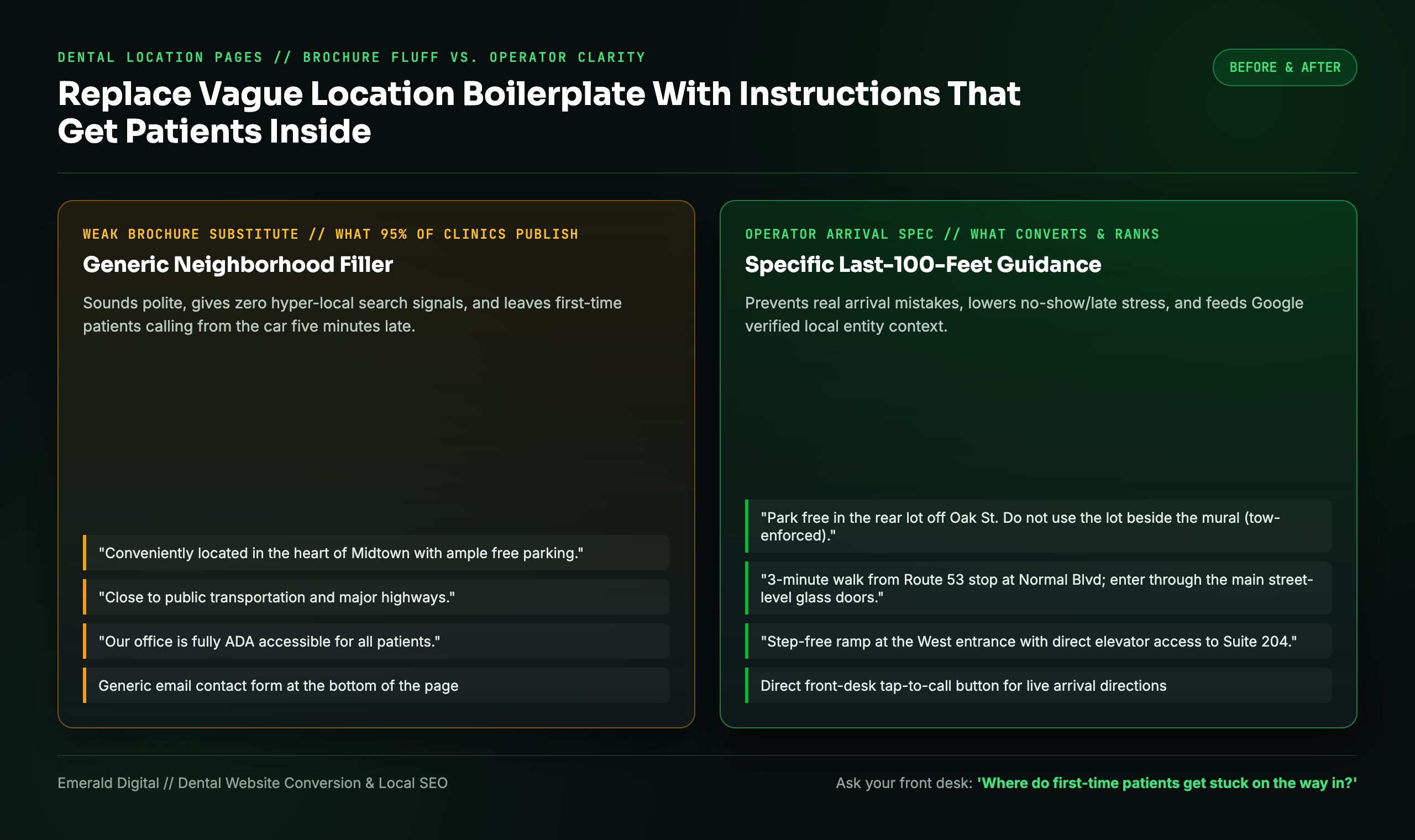
Compare that five-sentence block with the generic location copy on 95% of dental websites: *"Conveniently located in the heart of Midtown with ample parking."*
A Google Maps pin gets a nervous first-time patient to your block. It does not tell them which driveway enters the patient lot, why the door next to their bumper is locked, or which elevator bank goes to Suite 300. In dental SEO, fixing the last 100 feet of the arrival experience does two high-leverage jobs at once: it replaces generic city-page filler with unmistakable hyper-local proof that Google rewards, and it removes the friction that makes new patients show up late or cancel.
What dental website directions need beyond a map pin
When you work in the same dental building for five years, the physical layout feels obvious to you. You know the left driveway dead-ends into a bank drive-thru. You know the main lobby doors lock at 5:00 p.m. and patients with late appointments need the side keypad.
A first-time patient sitting in traffic ten minutes before their appointment knows none of that.
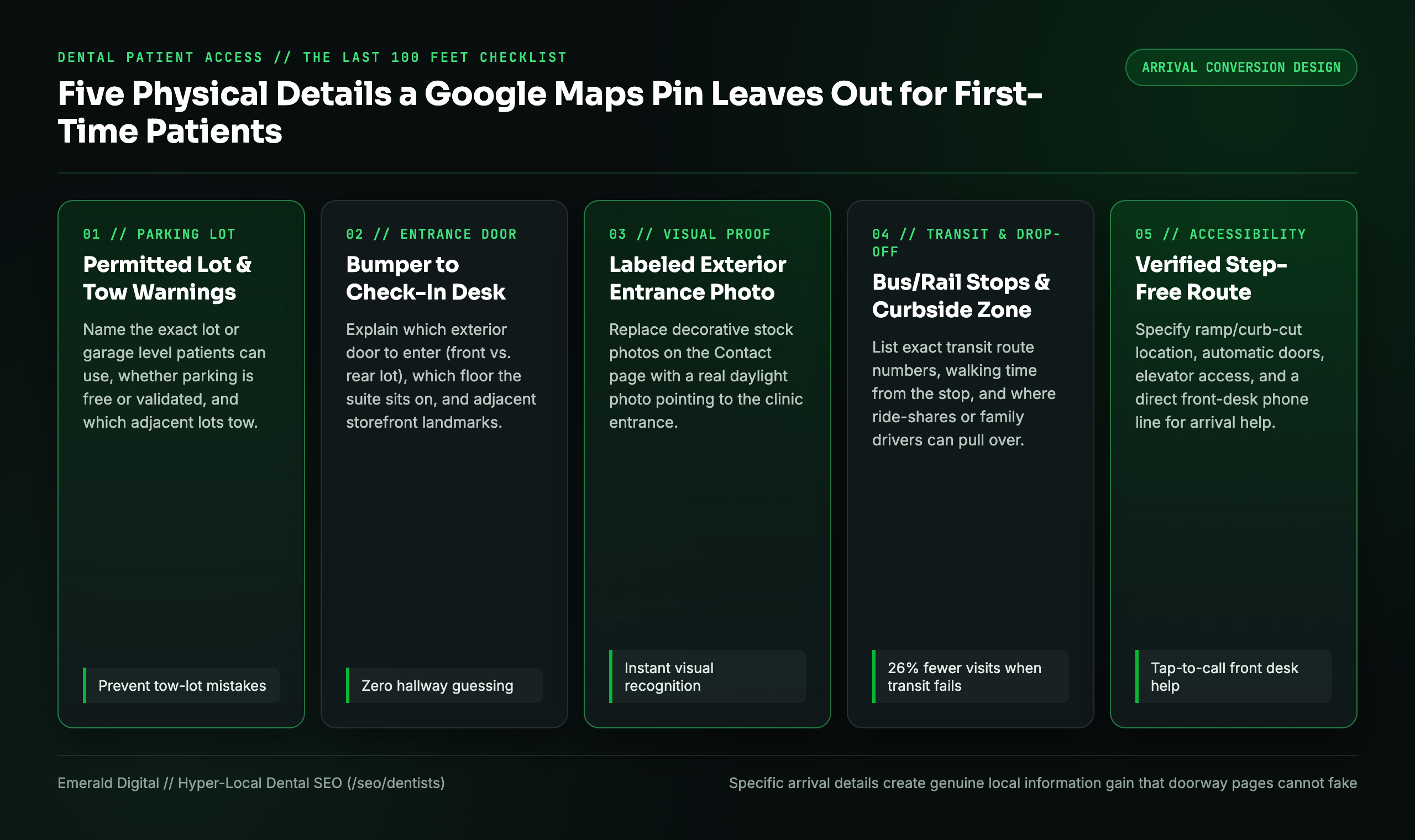
Instead of paying a copywriter to write three paragraphs about how much your practice loves the local community, walk outside to the curb with your phone and document the five physical facts every arriving patient needs:
- The exact lot and tow/validation rules: Name the exact lot, garage level, or street side patients are allowed to use, whether it is free or requires front-desk validation, and any adjacent lots they must avoid.
- The last 100 feet from the bumper to the chair: Explain which exterior door to use, whether the suite is on the ground floor or requires an elevator, and what business sits right next door as a visual anchor.
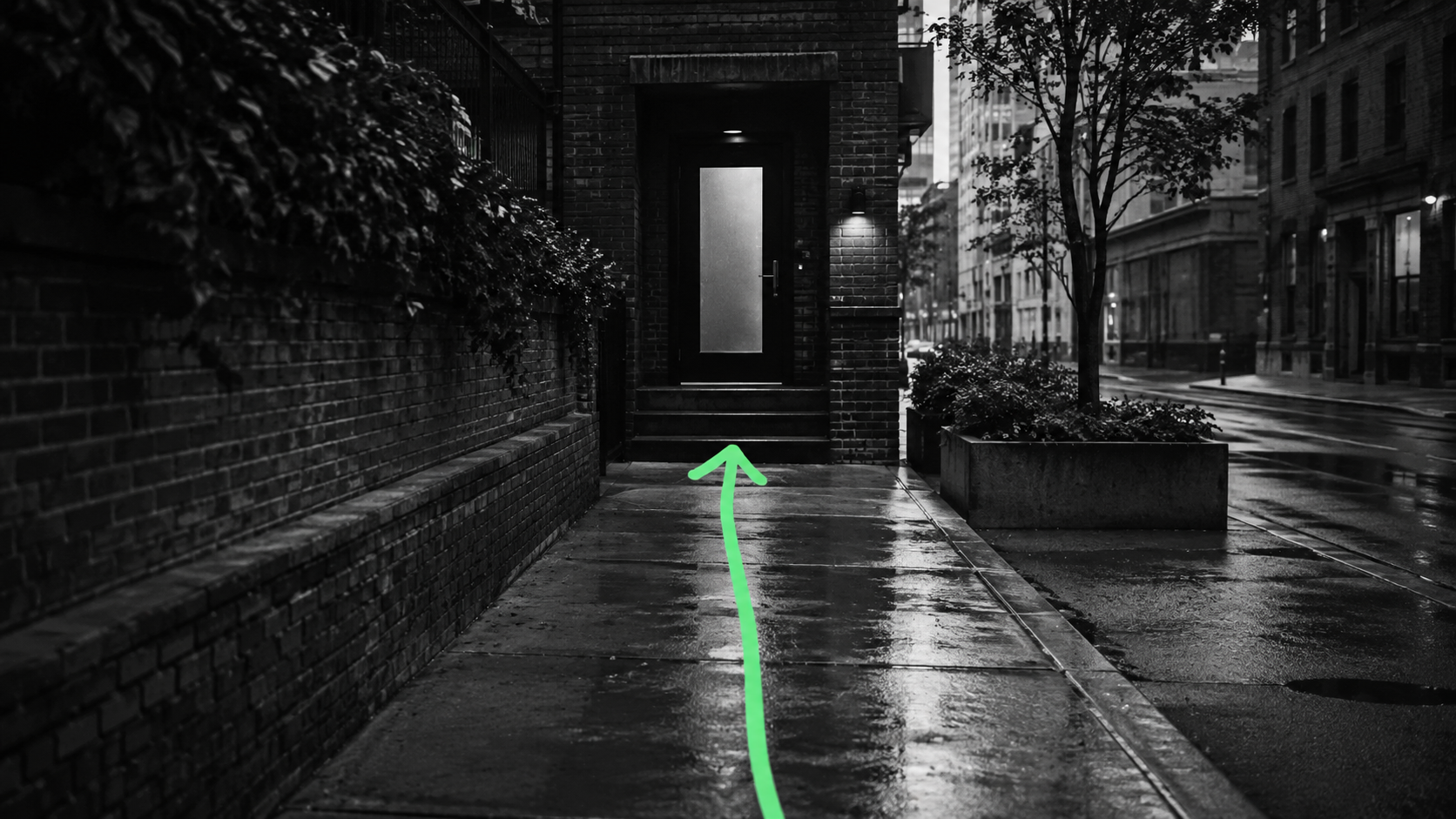
- One labeled photo of the actual entrance: Don't put a stock photo of a smiling family on your Contact page. Put a daylight photo of the actual building exterior and entrance door with an arrow pointing to where patients walk in.
- Specific public transit and drop-off points: Name the exact bus route or rail stop, which side of the intersection it lets off on, and where a ride-share or family member can pull over safely for drop-off.
- Verified step-free accessibility: Never write the vague phrase *"fully accessible"* without checking the route. State where the curb cut or ramp sits, which entrance has automatic doors, and whom to call from the car if a patient needs assistance.
"Ten minutes away by car" doesn't mean accessible by bus
Most dental websites are written as if every patient drives a personal SUV with effortless parking.
Look at how Antelope Creek Family Dentistry in Lincoln, Nebraska structures its contact page across two offices. Alongside driving maps and free parking confirmation, the page states that StarTran Route 40 stops near its South 40th Street clinic, while its Normal Boulevard clinic sits a three-minute walk from a Route 53 stop.
Giving both driving and transit specifics lets a patient choose the office that actually fits their day. A clinic that is two miles closer as the crow flies might require two bus transfers, while the slightly farther office sits on a direct route from their workplace.
Transportation friction is a real clinical barrier, not a minor footnote. A 2024 study of U.S. adults published in PubMed using Medical Expenditure Panel Survey data found that adults reporting transportation challenges had 26% fewer dental visits after adjustment than those without transportation barriers. While a clearer website won't build a city bus line, spelling out transit routes, ride-share drop-off zones, and realistic travel windows helps patients who don't drive plan a visit they can actually keep.
Why hyper-local arrival copy beats generic SEO city filler
Think about how Google and AI answer engines evaluate local service pages. When an agency builds a location page by writing *"We are proud to serve patients near [Local Park] and [Local Stadium],"* every other dentist, chiropractor, and plumber in the zip code has those exact same Wikipedia nouns on their site.
When your location page explains that your suite sits on the second floor above the corner pharmacy, that patients should enter the garage off Oak Street rather than Main Street, and that Route 53 stops at the corner, you create genuine hyper-local information gain.
That level of operational specificity also protects your site if you serve patients from neighboring suburbs. As we covered in whether dentists need a page for every nearby city, a regional or commuter section earns its keep when it gives real route guidance rather than doorway fluff. Just make sure someone owns keeping those directions current whenever road construction or building rules change, using the workflow in our dental website maintenance guide.
Use this arrival scorecard before approving your location page
Hand this six-row table to your office manager today. Every row where your current website relies on the "Weak Brochure Substitute" is an easy win you can fix in under an hour:
| Patient Arrival Question | What to Verify & Publish on Your Location Page | Weak Brochure Substitute to Delete |
|---|---|---|
| Which building & suite am I visiting? | Full street address, suite number, floor, and adjacent storefront landmark + labeled entrance photo | A city name above a zoomed-out map embed |
| Where am I allowed to park? | Specific lot entrance street, free vs. paid/validated rules, and any tow-lot warnings | *"Ample, convenient parking available"* |
| How do I get from the car to check-in? | Which exterior door to use, stairwell/elevator location, and any after-hours buzzer code | Assuming the front door is obvious from the rear lot |
| What if I take public transit? | Exact bus/rail line numbers, nearest stop name, and walking direction from the stop to the door | *"Convenient to public transportation"* |
| Is the entrance step-free? | Location of handicap spaces, ramp/curb cut, automatic door button, and elevator dimensions | Unverified *"ADA accessible"* boilerplate |
| Who helps me if I'm stuck outside? | Direct tap-to-call front-desk number right beside the directions (not a call center menu) | A generic email contact form |
Start with the one question your front desk answers every week
You don't need a three-month redesign to fix patient access on your website. Walk up to your front desk coordinator this afternoon and ask one question:
"When a brand-new patient calls from their car five minutes before their appointment because they're lost, where are they stuck?"
Write down the exact sentence your front desk uses to talk that patient into the parking lot and through the right door. Put that sentence, along with a clear photo of the entrance, right at the top of your Contact and location pages.
See how we build local search and Map Pack systems for dentists, or request a free dental SEO teardown: we will review your Google Business Profile, location pages, and treatment architecture, and show you the exact fixes that turn local searchers into arrived patients.