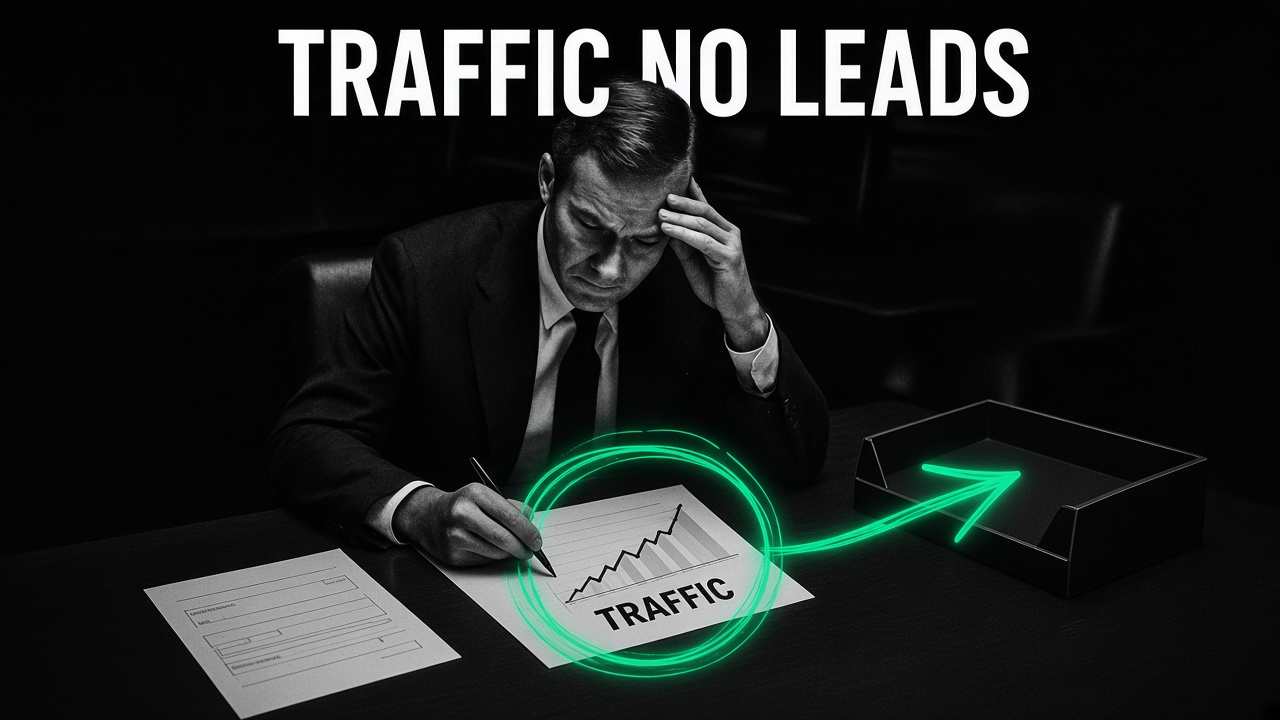
Watching your analytics graph climb while your sales inbox stays empty is one of the most maddening problems in digital marketing. Your agency or marketing team points at sessions, impressions, and pageviews as proof that the plan is working, while your sales team asks why nobody is booking calls.
When a website gets steady traffic and generates zero qualified leads, one of two things is happening: you are attracting people who were never in the market to buy from you, or your pages are making real buyers work too hard to trust you and take the next step.
Usually, it is a combination of both. Here is how to tell an intent problem from a conversion problem in fifteen minutes, the five leaks that kill lead generation on service websites, and the exact order to fix them.
First: Run the 15-Minute Traffic vs. Page Triage
Do not redesign your homepage until you look at which specific URLs are getting the traffic and which search queries or ads are sending those visitors.
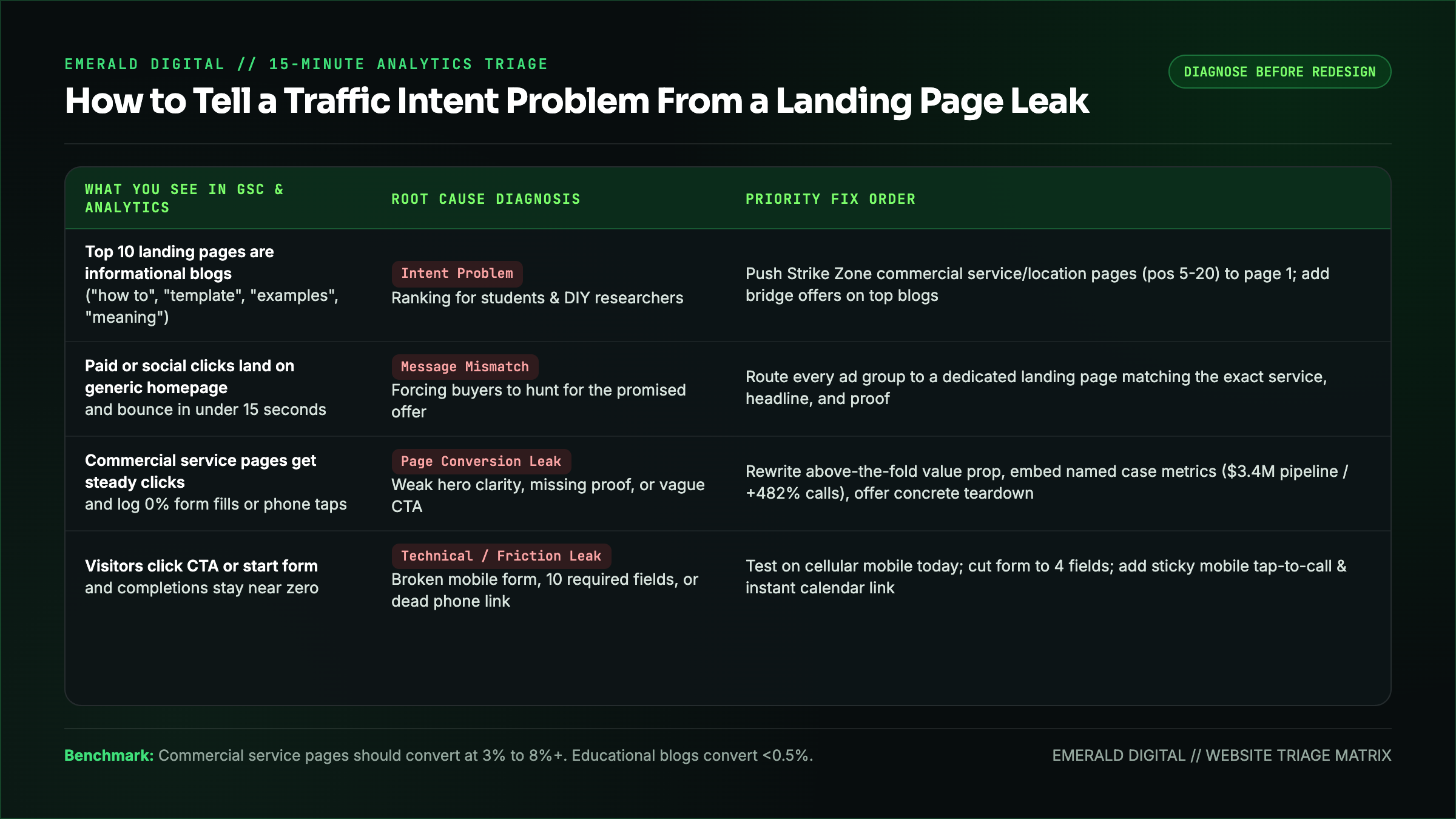
Open Google Search Console and Google Analytics (or your ad platform) and split your top ten landing pages into this four-part diagnostic matrix:
| What You See in the Data | What Is Actually Happening | Where the Fix Lives |
|---|---|---|
| :--- | :--- | :--- |
| 80% of traffic lands on 2 or 3 informational blog posts ("what is...", "template", "examples", "salary") | You built a free encyclopedia for students, DIY researchers, and job seekers rather than buyers looking to hire a vendor | Build and rank dedicated commercial service, industry, and location pages; add clear bridge offers inside top blog posts |
| Paid ads or social traffic lands on your generic homepage and bounces in under 15 seconds | Visitors clicked a specific promise in an ad and landed on a broad corporate overview that made them hunt for what they asked for | Route every campaign to a dedicated landing or service page that mirrors the exact problem and offer from the ad |
| High-intent service pages get steady traffic (`[service] company`, `[service] pricing`), and zero form fills or calls | Your commercial page has a trust, clarity, offer, or form-friction problem | Rewrite above-the-fold positioning, put real client proof and pricing context near the top, and simplify the intake path |
| Users click your CTA or start your form, and completions stay near zero | Your form is broken on mobile, asks for ten fields too early, or your phone/booking widget is failing silently | Test every form and phone link on a real mobile phone over cellular data today and strip the form down to essentials |
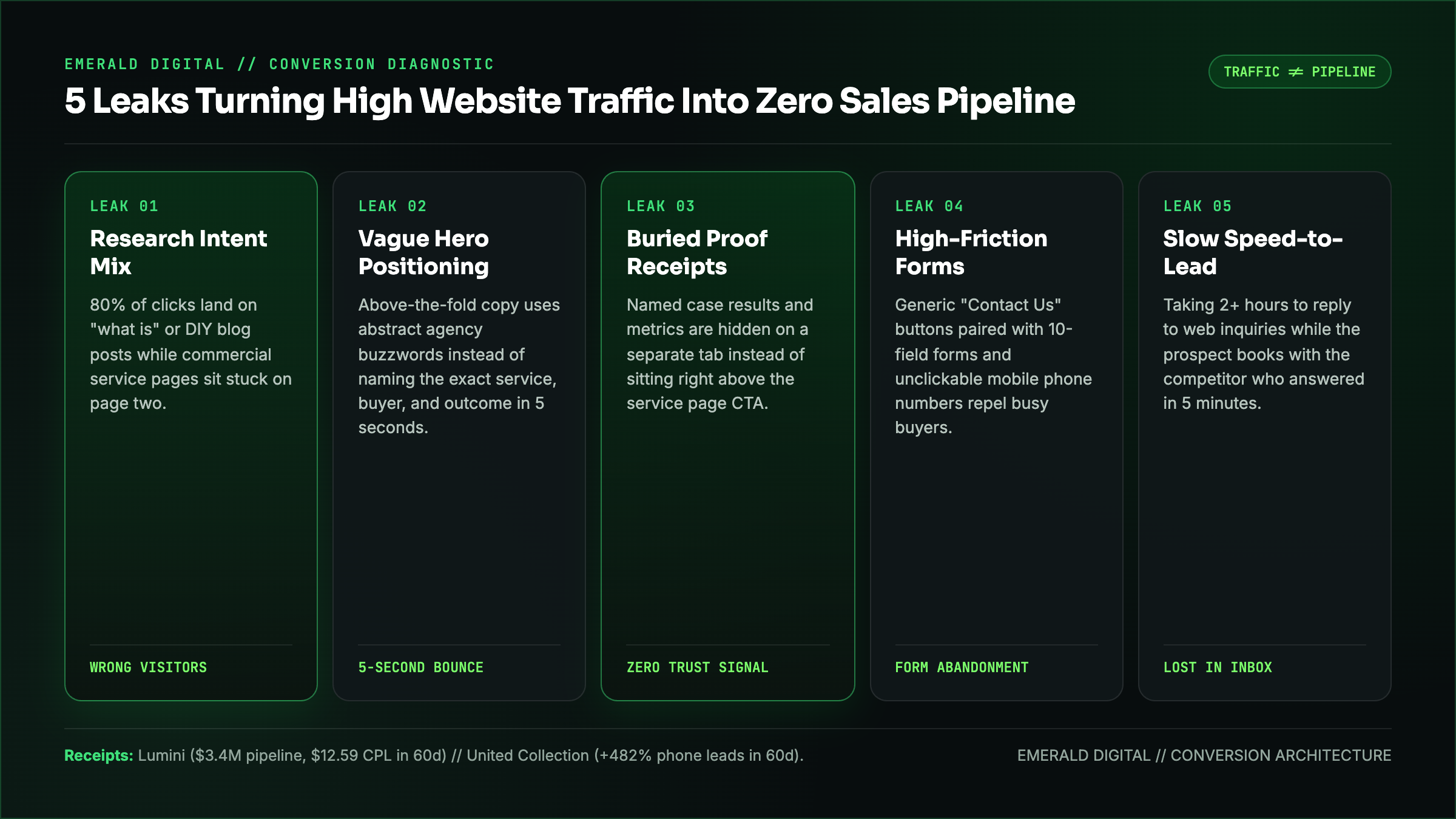
Leak 1: You Are Ranking for Research Queries Instead of Buying Queries
The easiest way for an SEO agency to make a traffic chart go up is to publish fifty articles answering broad, top-of-funnel definitions. Those pages rack up thousands of impressions from people across the country who have zero intention of hiring your company.
Check the top twenty queries in Google Search Console driving clicks to your site:
- If your top queries look like `how to calculate...`, `free template`, `diy`, `meaning`, or `jobs`, your traffic growth is cosmetic.
- If your commercial pages for `[service] agency`, `[service] contractor in [city]`, `[service] cost`, and `[competitor] alternative` are stuck on page two (positions 5 through 20), that is why your phone is quiet.
Shift your editorial and link budget onto your commercial service pages and high-intent buyer guides first so the visitors landing on your site actually have a budget and an active problem. (If you run an online store instead of a service business, see our breakdown of why Shopify traffic is up and sales are flat.)
Leak 2: Your Above-the-Fold Screen Makes Buyers Guess What You Do
When a qualified prospect lands on your homepage or service page, you have roughly five seconds on a mobile screen to answer four questions:
- What exact problem do you solve?
- Who do you solve it for?
- Why should I trust you over the other three tabs open in my browser?
- What happens when I click the button?
If your hero section opens with an abstract slogan like *"Empowering Digital Transformation Through Bespoke Solutions"* and a button that says *"Learn More,"* a busy operator hits the back button.
Replace abstract slogans with plain-English specificity: state the exact service, the type of company or client you serve, one concrete proof point, and a specific call to action below it.
Leak 3: Your Proof Is Generic, Hidden, or Unbelievable
Skeptical buyers do not convert because you called yourself "results-driven" or "award-winning." They convert when they see receipts that look like their own business problem.
Most service websites bury their proof on a separate `/case-studies` tab that fewer than 10% of visitors ever click, or they display anonymous one-line quotes (*"Great to work with. - John D."*) that carry zero weight.
Put specific, verifiable outcomes right inside the flow of your service pages, right above your call-to-action blocks:
- When we rebuilt the digital acquisition engine for Lumini, we generated $3.4M in sales pipeline and 324 qualified leads at a $12.59 cost per lead in 60 days.
- When we overhauled lead capture and paid search for United Collection Bureau, we drove a +482% increase in phone-call leads in 60 days.
- When we ran targeted acquisition for Christie's International Real Estate, the campaign produced 521 qualified leads at a $15.96 CPL.
Name the client (or the exact industry and baseline if under NDA), name the metric, and name the timeframe.
Leak 4: Your Call to Action and Contact Form Feel Like a Trap
"Contact Us" and "Submit" are the two lowest-converting phrases in B2B and local services. They tell the buyer: *fill out ten boxes, wait two business days, and get hounded by a junior sales rep reading a discovery script.*
Lower the friction and raise the value of taking the first step:
- Name what the buyer gets on the call or audit. Instead of "Contact Us," offer a concrete deliverable: *"Get a Free 15-Minute Website & SEO Teardown"* or *"Request a Same-Day Roof Inspection & Photo Report."*
- Cut your form down to 3 or 4 fields. Name, work email or phone, website URL (or project type), and one optional context box. You do not need their street address, company headcount, and five dropdown menus before you have said hello.
- Make phone numbers tap-to-call on mobile. In local services, legal, healthcare, and home services, over 65% of high-intent buyers are on their phone and want to speak to a human immediately. Put a sticky tap-to-call bar or header button on mobile viewports.
Leak 5: Your Speed-to-Lead Is Killing the Conversions You Already Earned
Before you blame your website for producing zero customers, check how long it takes your team to respond when a form submission or phone call actually comes in.
Responding to a web lead within five minutes versus waiting two hours routinely changes qualification and booking rates by 3x to 5x. A buyer who fills out your form is almost always filling out two competitor forms in the same sitting. The company that answers live, sends an immediate calendar link on the thank-you screen, and follows up by phone and text within minutes wins the deal before the second vendor even checks their inbox.
Want Us to Find the Exact Leak on Your Site?
Whether your site needs a conversion-focused web design overhaul, a commercial SEO rebuild to replace junk blog traffic with buyer intent, or tighter paid search landing pages, you should know what is broken before you spend another dollar driving traffic to it.
Request a free website and conversion teardown and we will review your top landing pages, your Search Console intent mix, and your mobile conversion path, and hand you the prioritized fix list.